Projects teach you the full design cycle on a specific board. Skills are shorter, sharper modules that plug into any project. Start anywhere — most people start with Getting to Blinky.
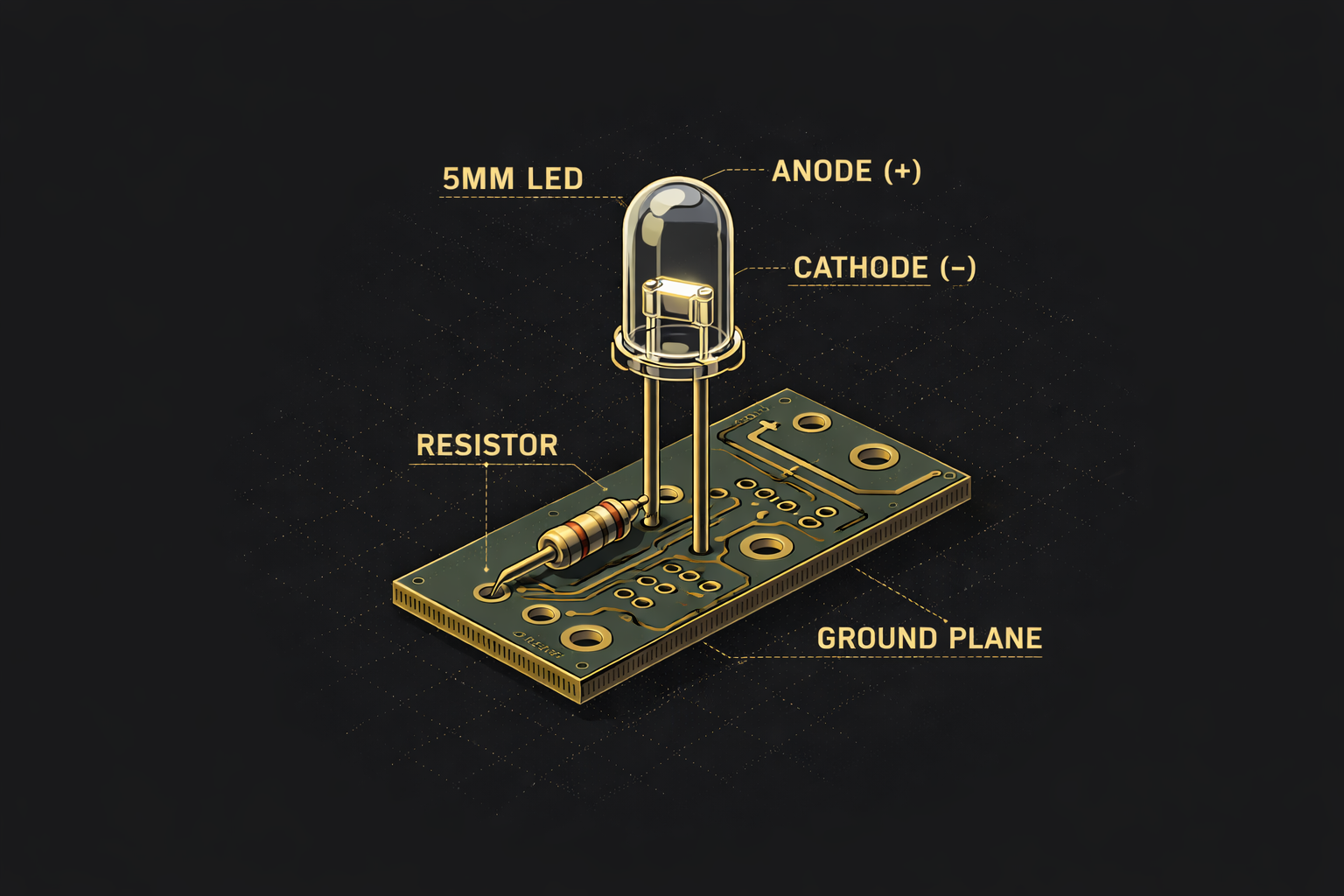
Getting to Blinky 5.0 is a short video series introducing the key concepts of using the open source ecad software KiCad. Thousands of people have used this short series to learn how to create PCBs
Your learning journey with Contextual Electronics starts here
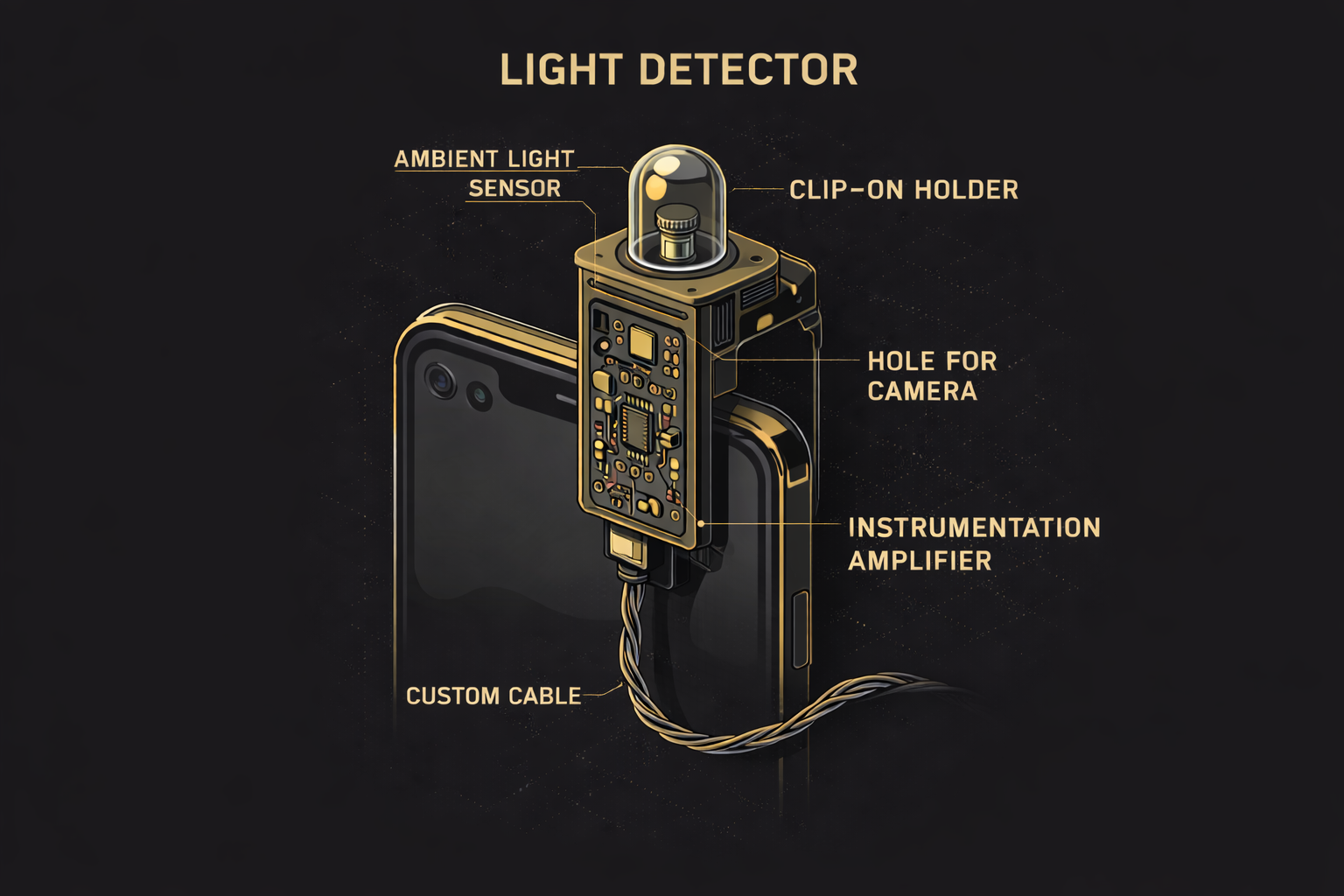
Das Blinkinput was a course created to interact directly with mobile phone screens without needing to build an application. Learn about photodiodes and how to measure light input
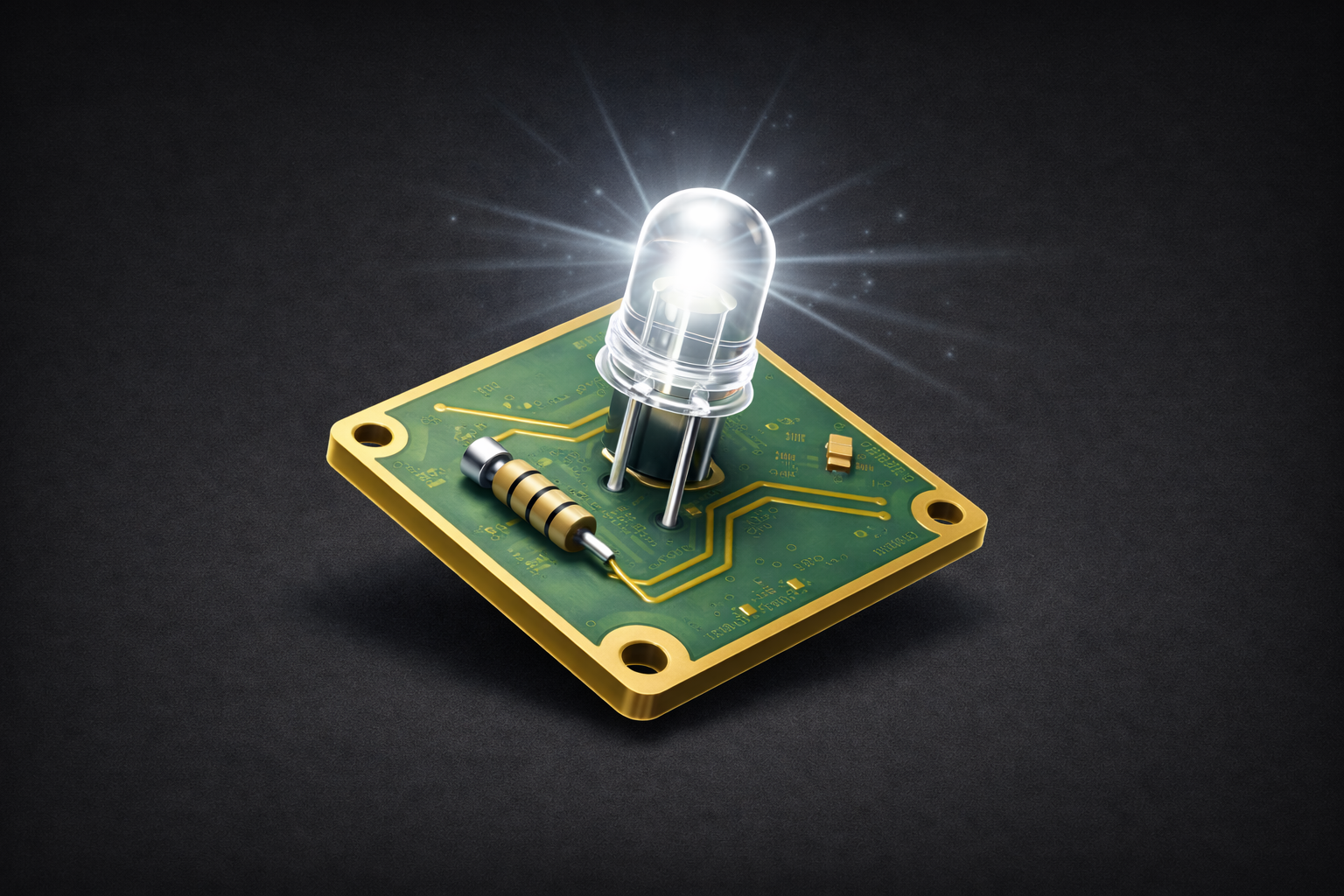
How to make a custom, but very simple piece of electronics for the Raspberry Pi platform and how to control the Raspberry Pi to toggle the GPIO for control
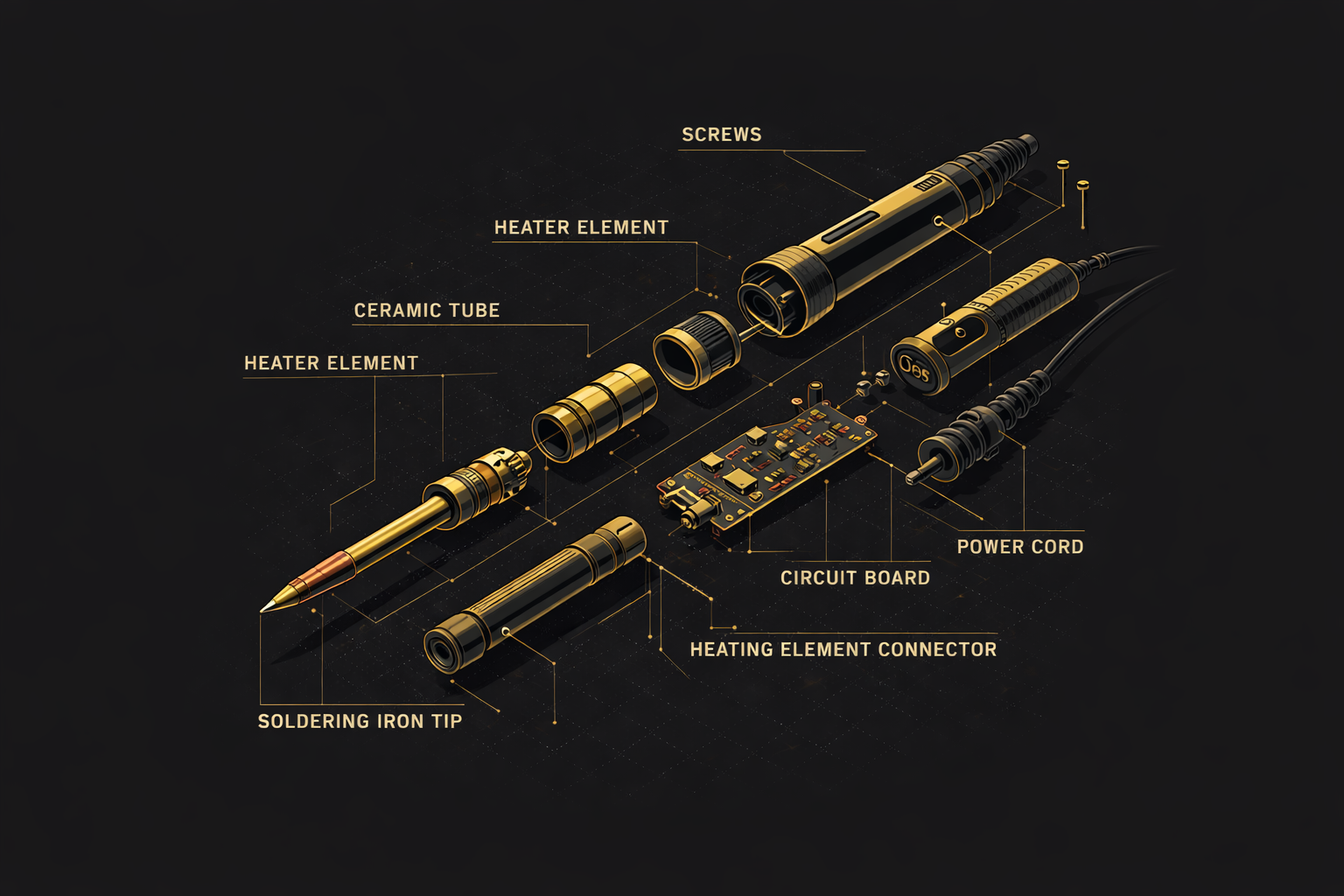
Soldering is an important skill for assembling and troubleshooting electronics circuits. Learn some basic skills in soldering and find a wealth of resources to other soldering content
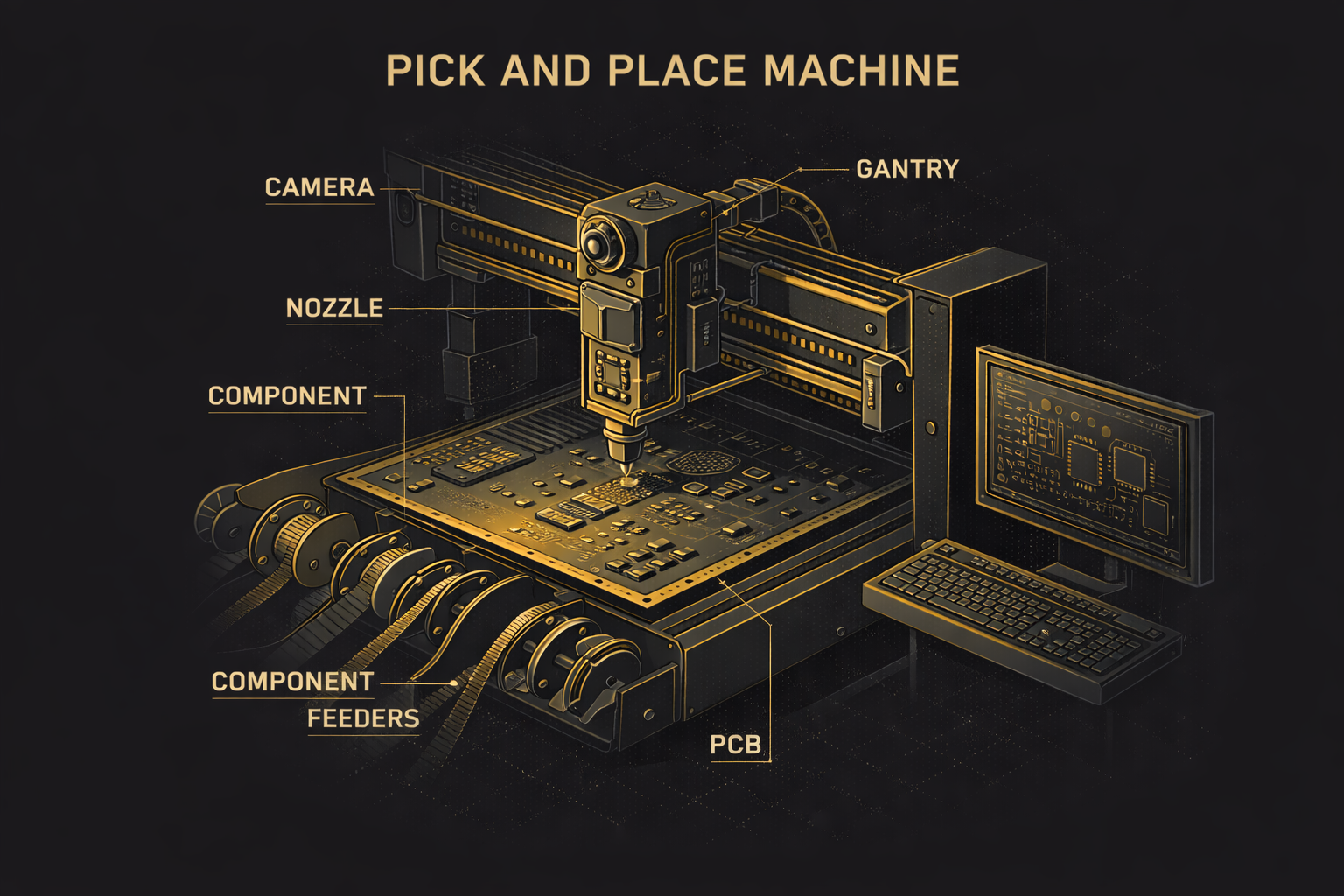
Getting to Blinky 5.0 is a short video series introducing the key concepts of using the open source ecad software KiCad. Thousands of people have used this short series to learn how to create PCBs
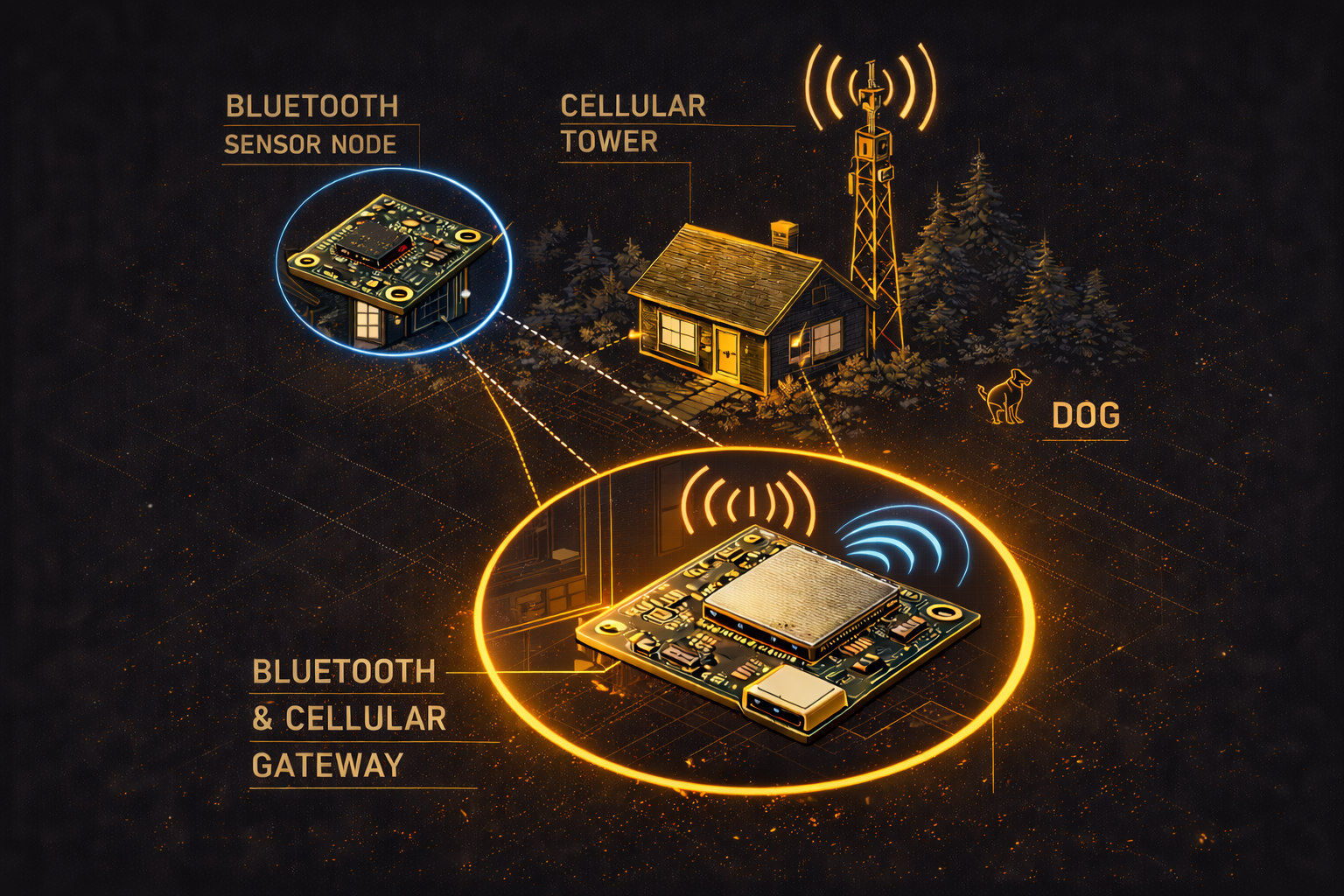
The Advanced BLE-Cell course walks through a high density BLE 5.0 microcontroller talking to a CatM1/NB-IOT modem, for use in multiple IoT projects. This is, indeed, an advanced course
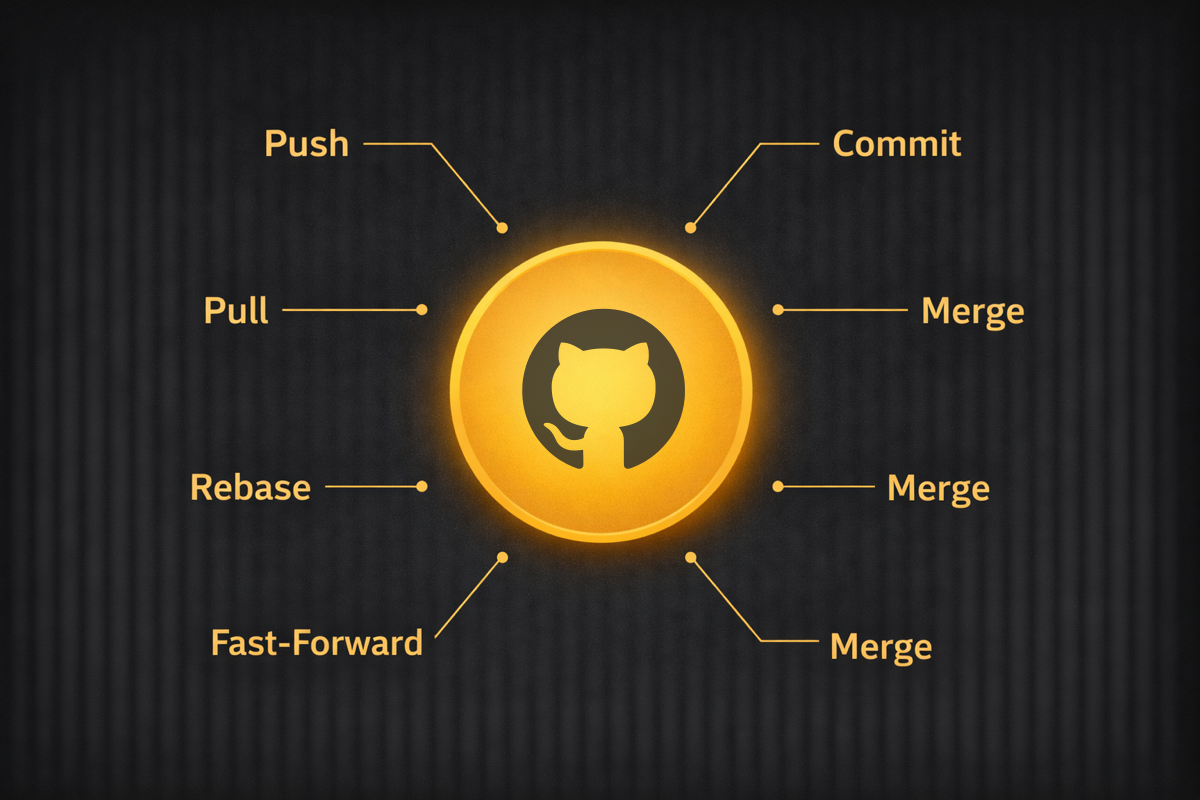
Learn how to apply the basics of revision control to your next hardware project. Never lose your work again.

This course teaches you how to construct a current sink, which takes in constant current and disperses the energy on the heatsink via a transistor.
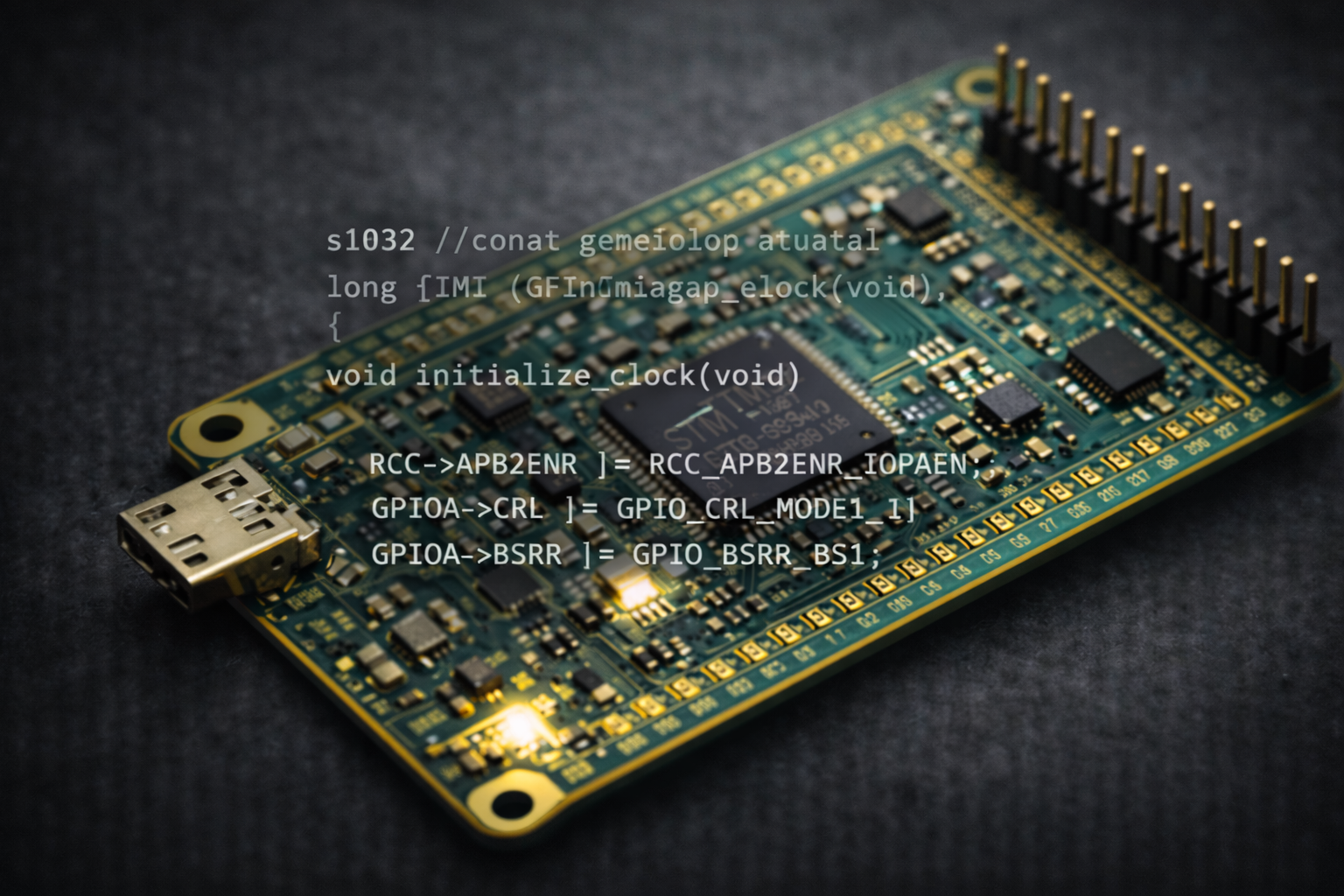
This is a deep dive into embedded programming, taught by Eric and Ron. This goes into the development of a small controller board using the STM32F0 family of parts and how to program it
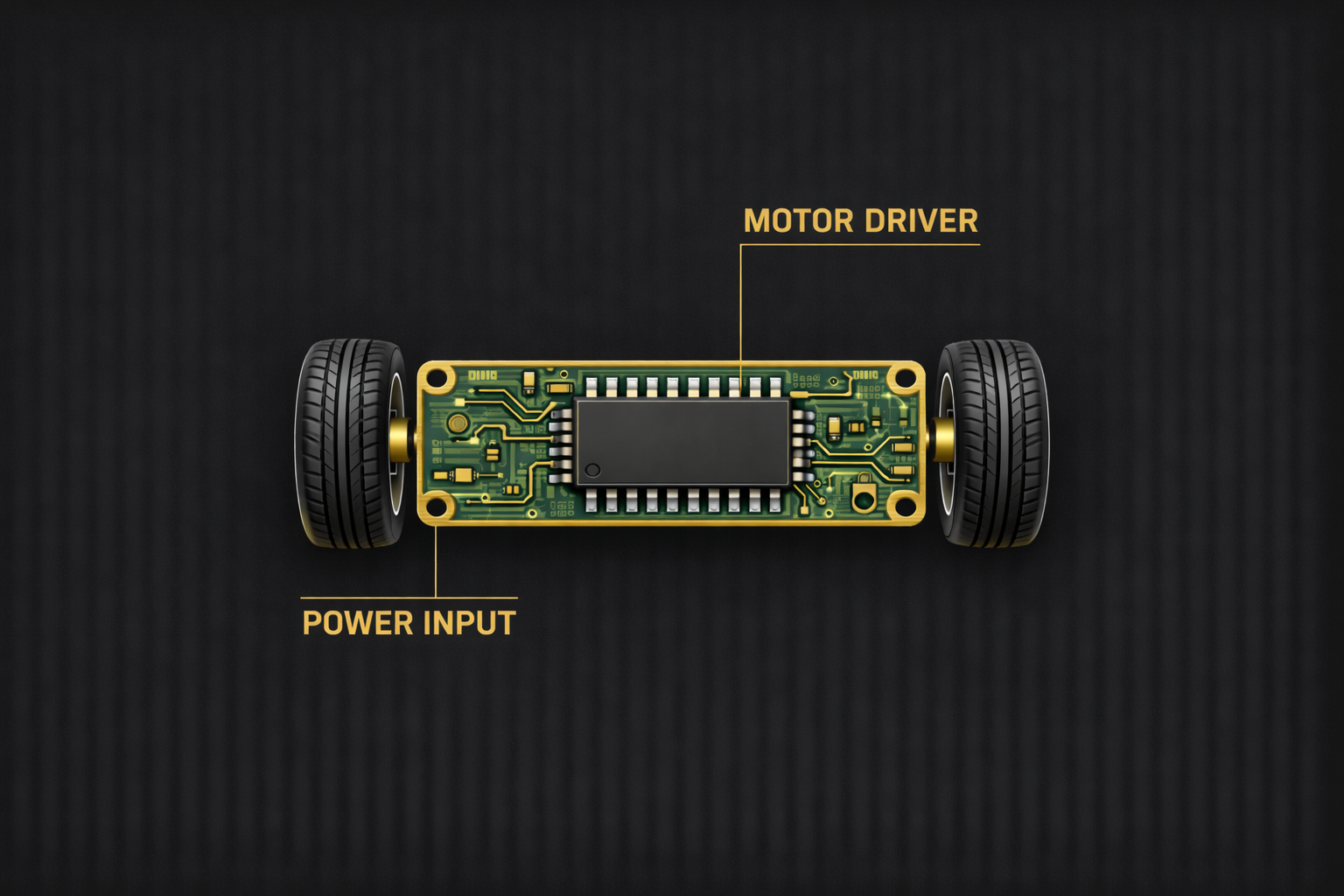
A motor driver breakout. We do all the normal discovery -> design -> build -> troubleshoot cycle and have a functioning driver by the end.
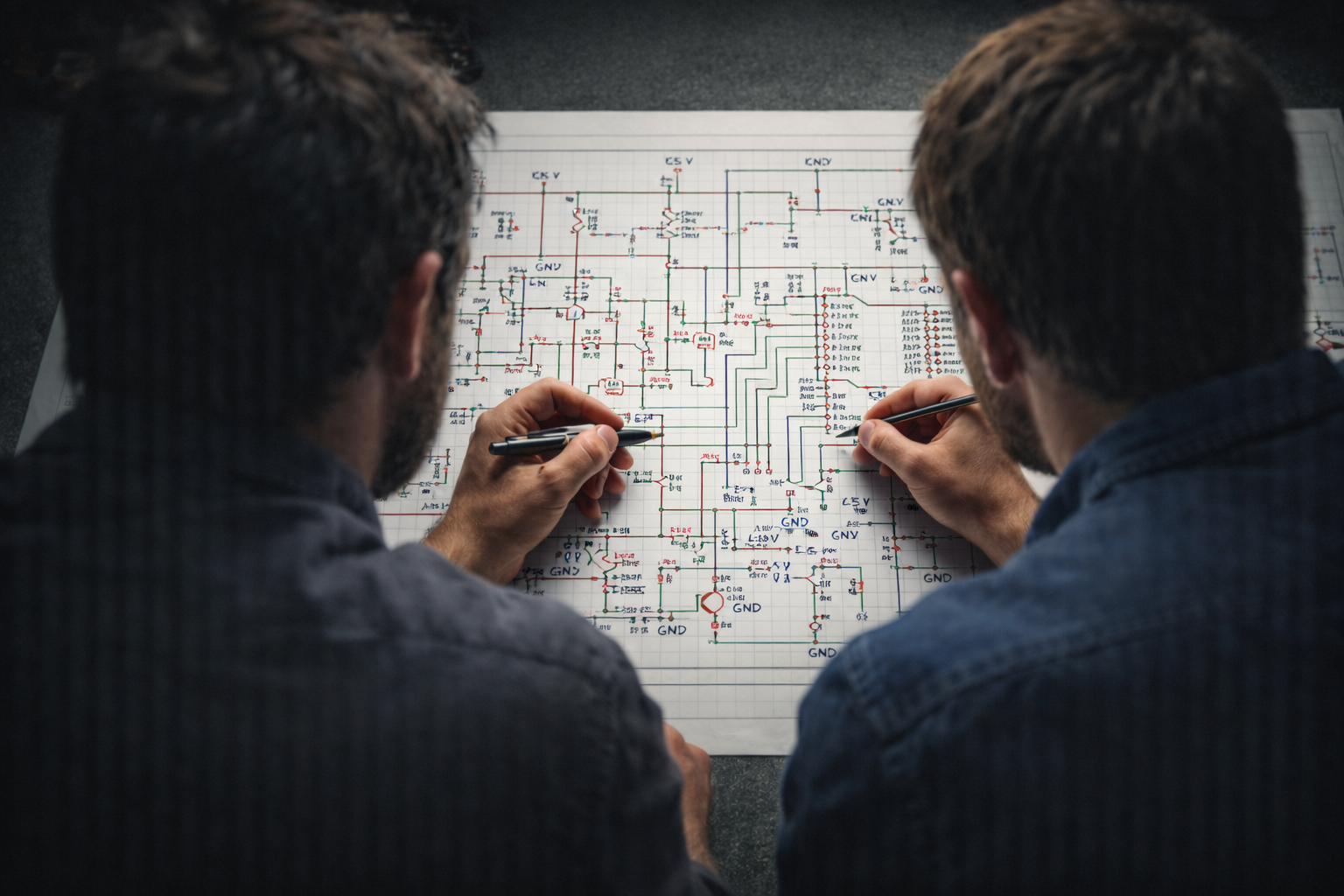
Learning the absolute basics of understanding how to read a schematic and follow the logical flow, so you can troubleshoot your own or someone else's circuits
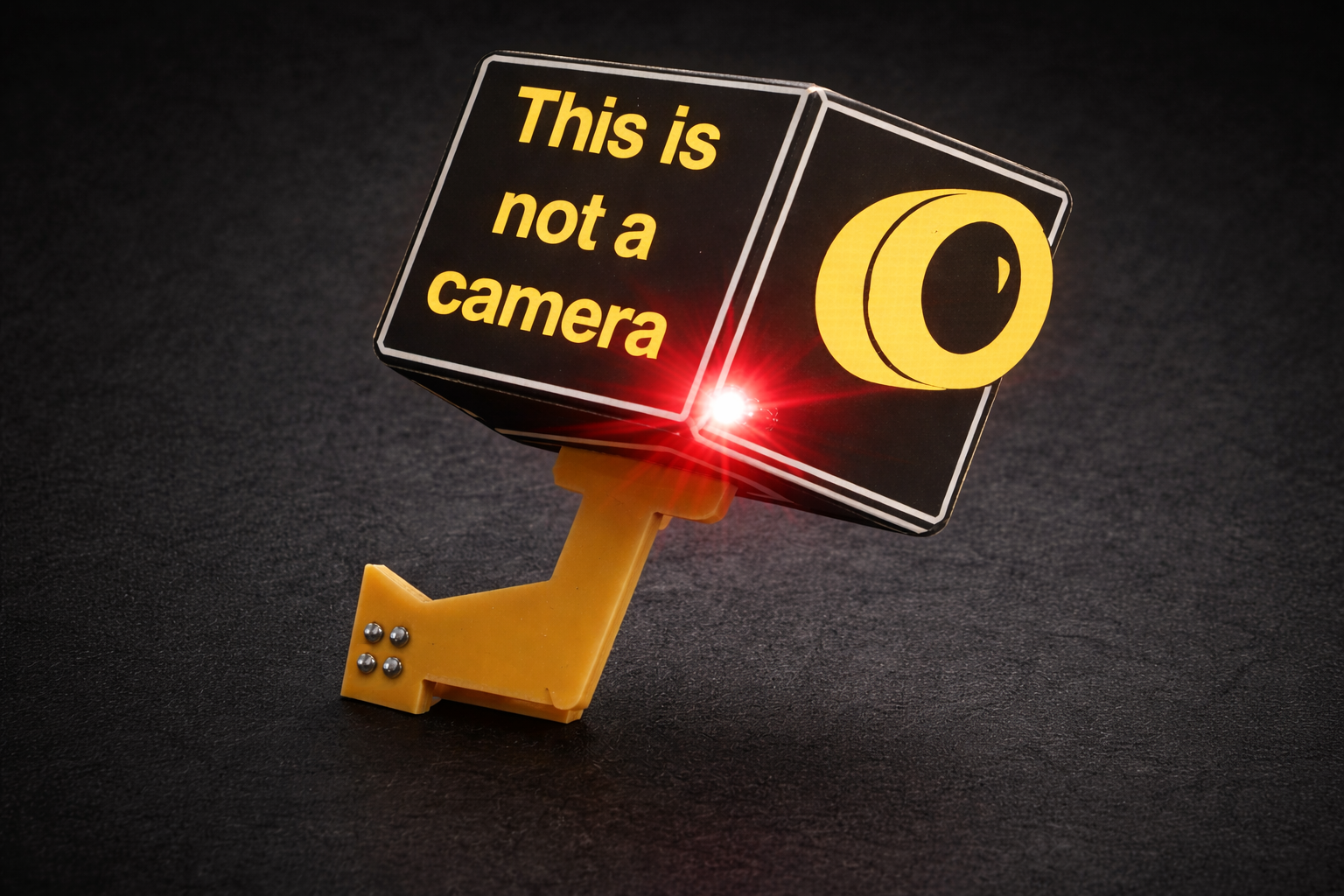
Designing and building the 'Not a Camera' SAO (add-on) for DEF CON (DC26)
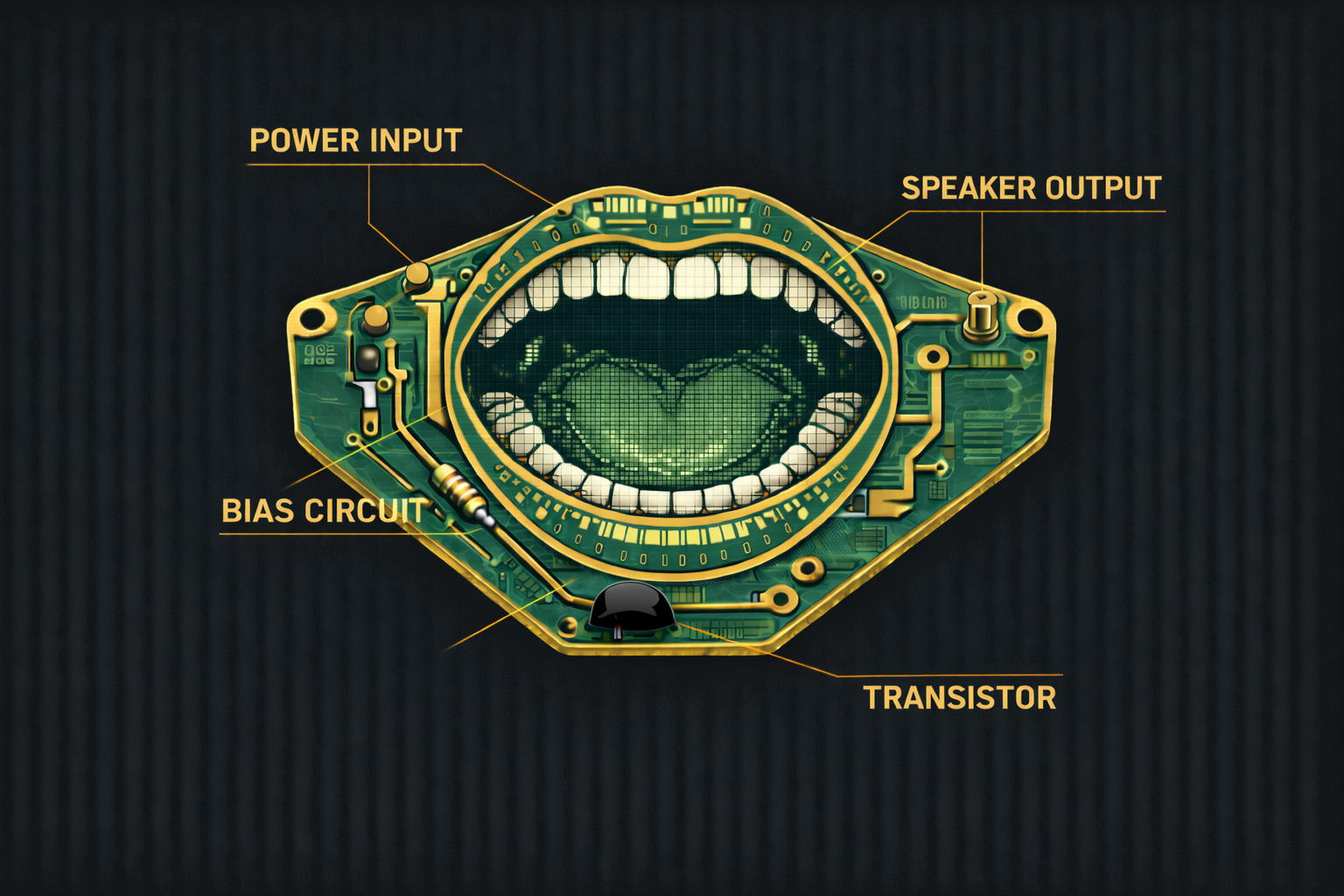
This is a class A amplifier for outputting audio from the circuit. It is a simple implemenation of a single transistor circuit.

Put together some of the other modules like the power swap, gogogo, and Full Charge ahead to make a vehicle
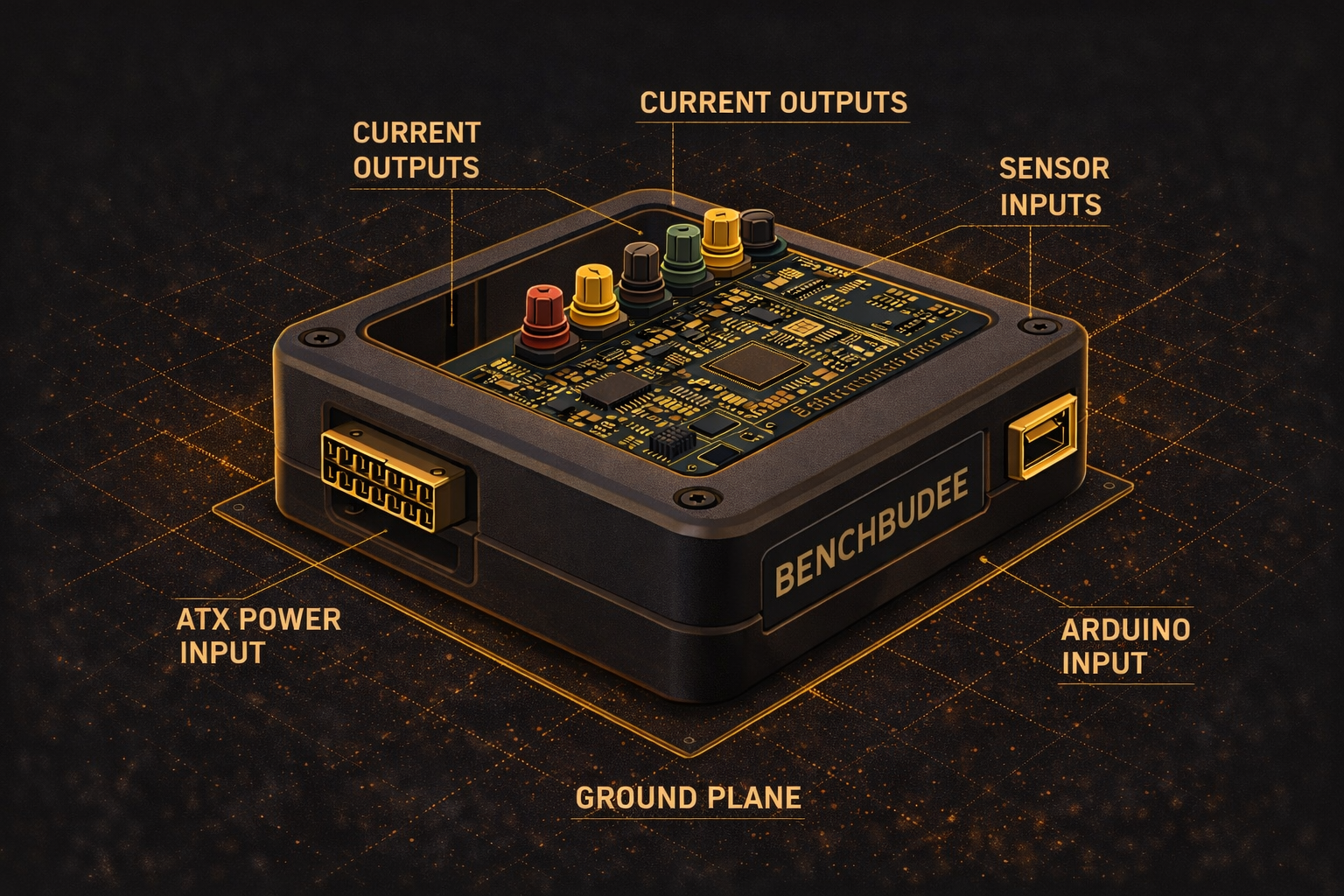
Build an a bench multi-tool that can measure and output test signals on your bench with the assistance of an ATX power supply and an Arduino controlling the show.
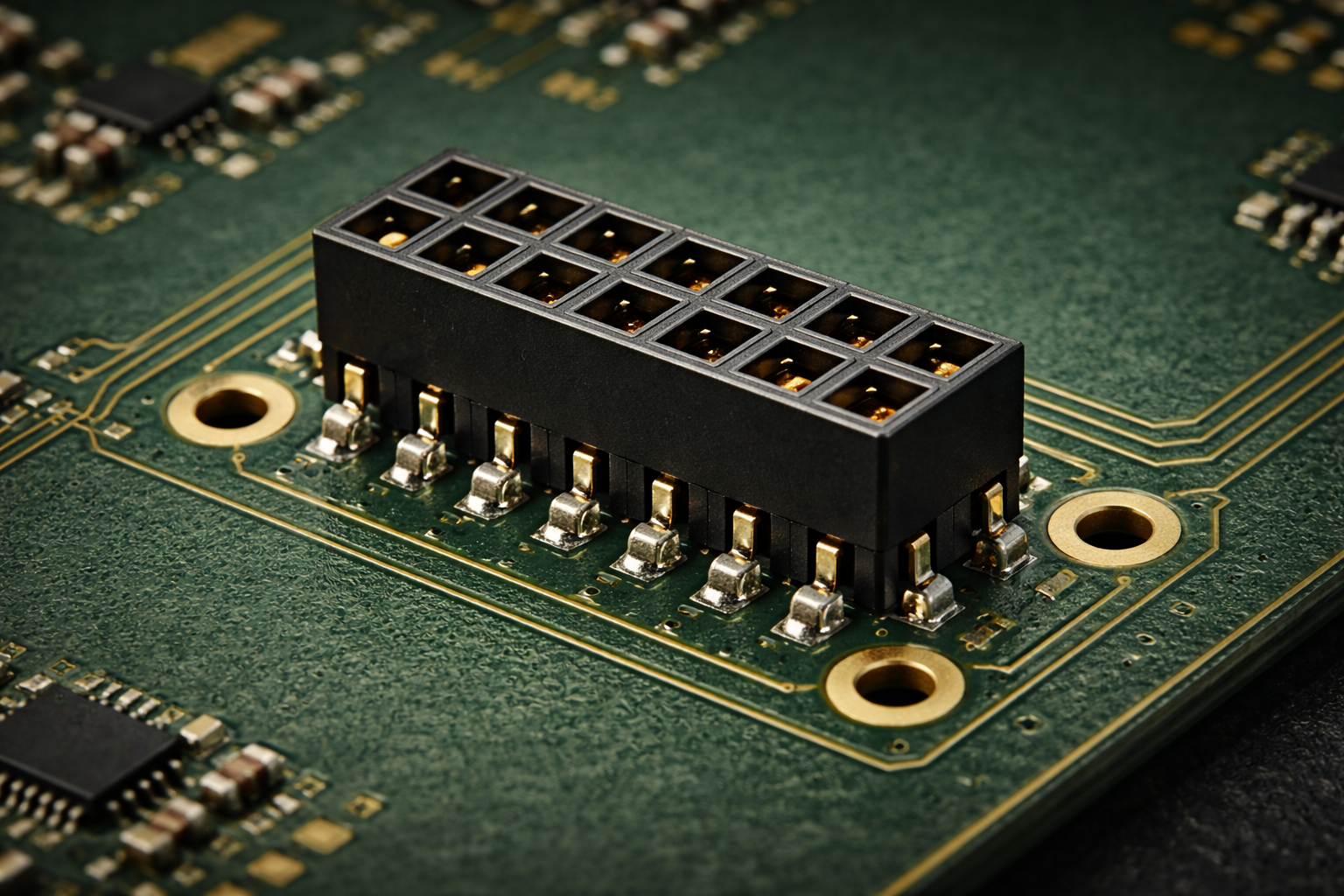
This is a course that shows how to build an interstitial PCB between the Teensy 3 and other boards in the future. It shows how to construct shims to standardize between microcontroller platforms
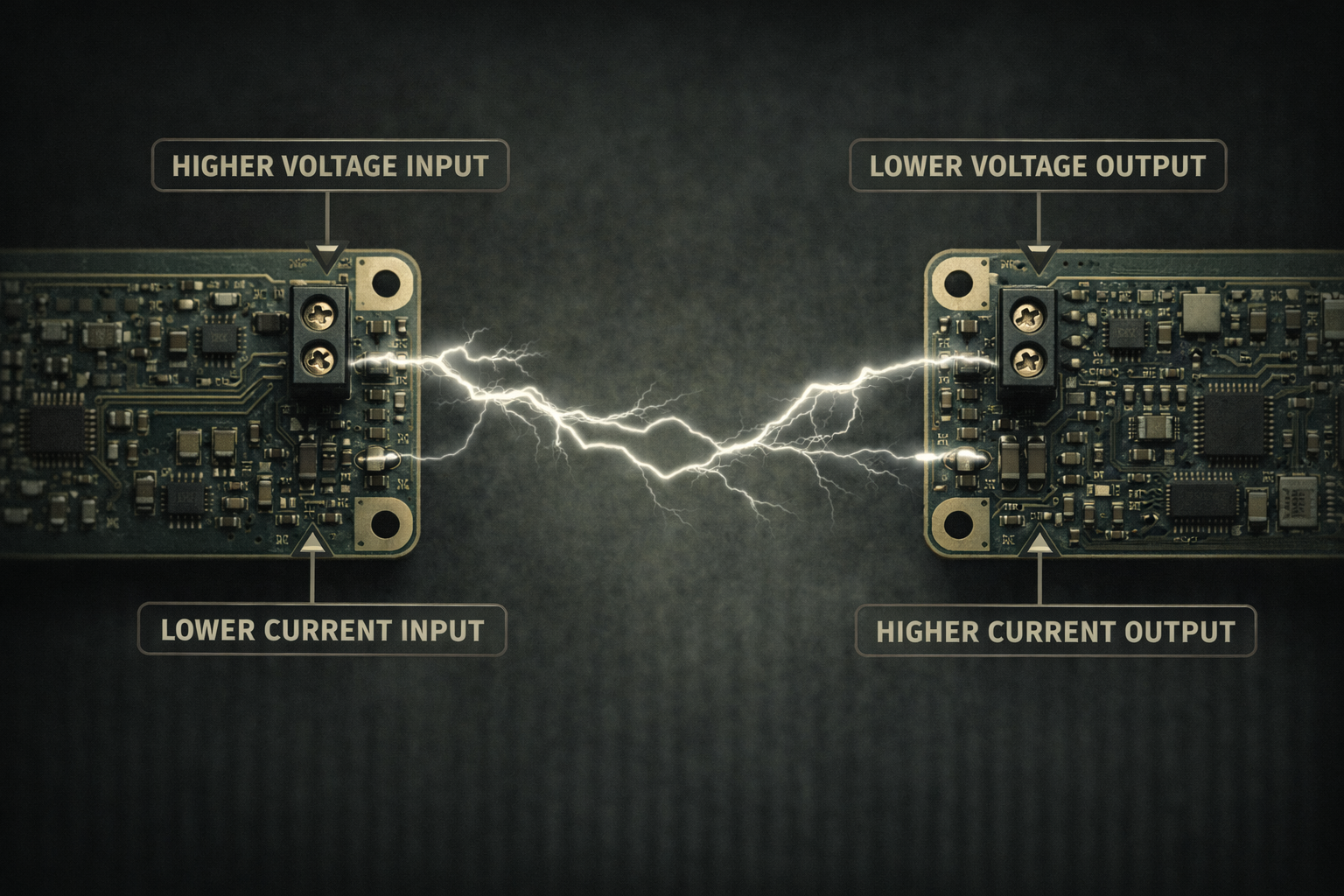
A variety of videos about creating and testing DC/DC converters.
Building a battery charging circuit for testing and use with other embedded projects throughout contextual electronics. Utilizes a low cost linear battery charger IC.
Learn how to use test equipment for validating and troubleshooting your designs.
Learn how to use test equipment for validating and troubleshooting your designs.
In this introduction to technical consulting, you will learn the ins-and-outs and highs-and-lows of being paid to design and test things. This course dives deep into how to make your skills into a business.
Getting to Blinky 4.0 is a short video series introducing the key concepts of using the open source ecad software KiCad.