Learn electronics by working through real designs, builds, and stubborn bugs at the bench. You’ll get practice making your own boards and understanding what they do when you power them up.
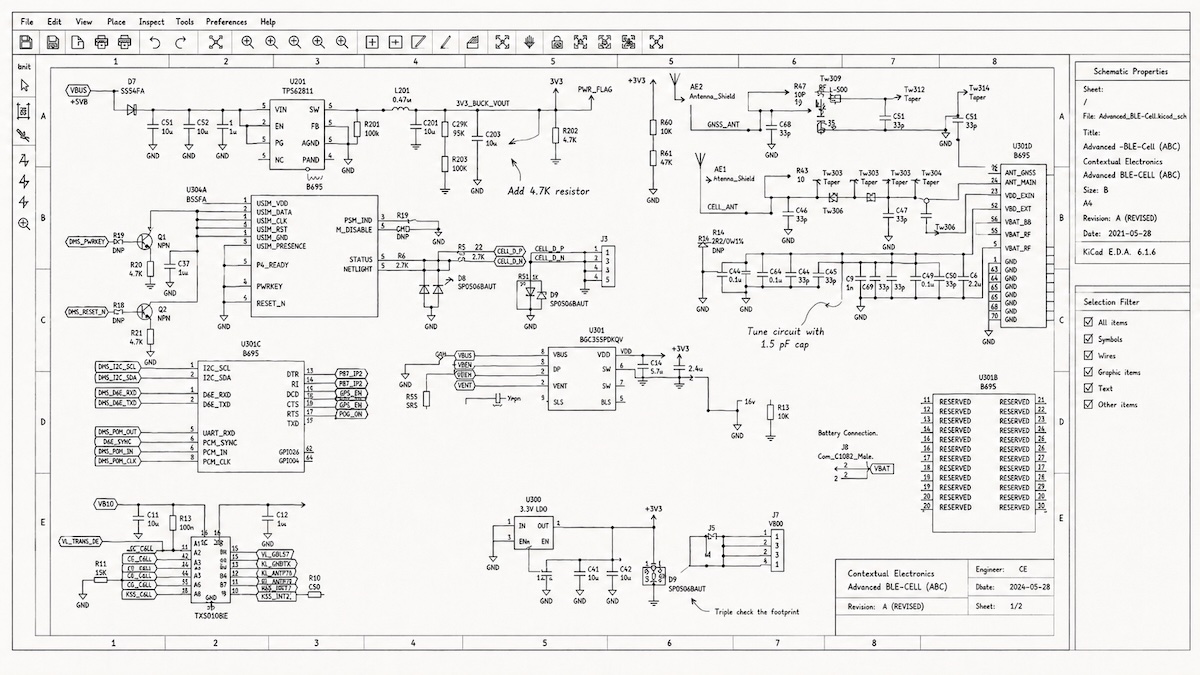
You write firmware and want to be more comfortable with the board underneath it. Follow a project from schematic to fabrication, with Chris walking through what to check along the way.
→ Start with the coursesFill in the parts of hardware design you haven’t had time to study closely: signal integrity, power, and a more systematic approach to debugging.
→ Browse the libraryWork through your own boards from design to bring-up. Along the way, you’ll have projects you can show and talk through with confidence.
→ See how it worksA board rarely works exactly as expected on the first try. Test what you built, track down the surprises, and carry what you learned into the next revision.
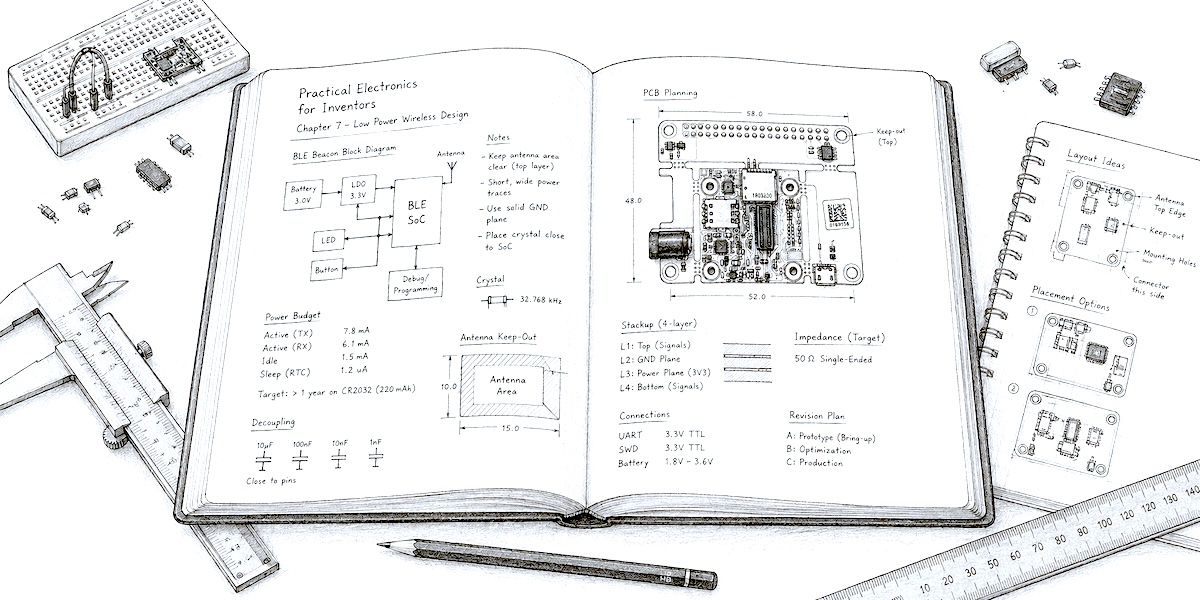
Work through the decisions behind a design: where to route a trace, which constraints matter, and how current moves through the circuit.
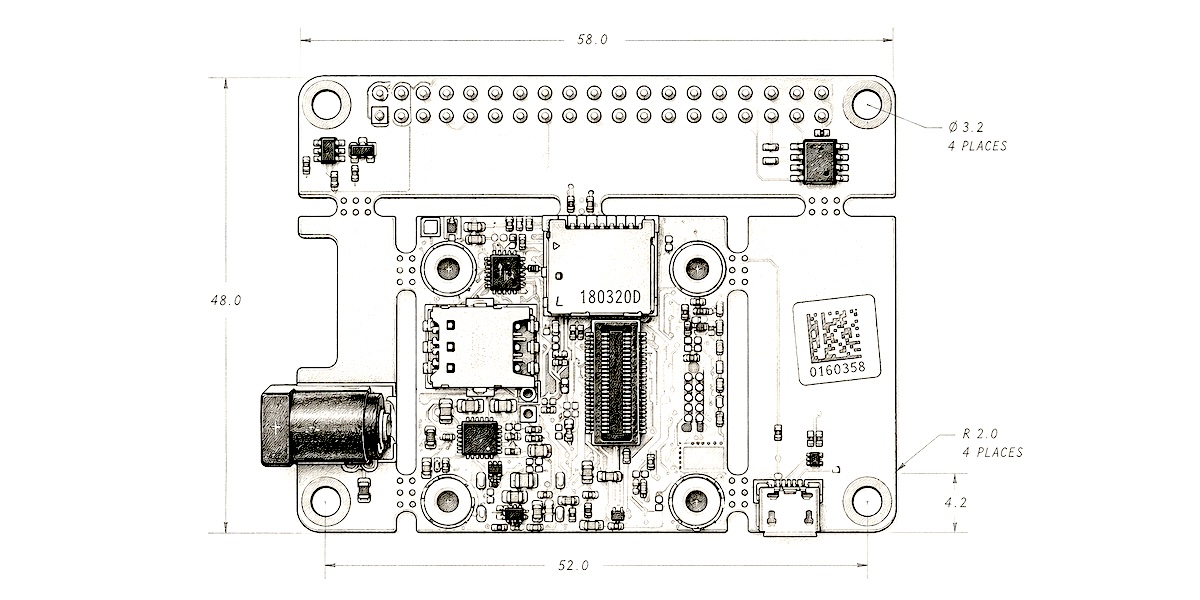
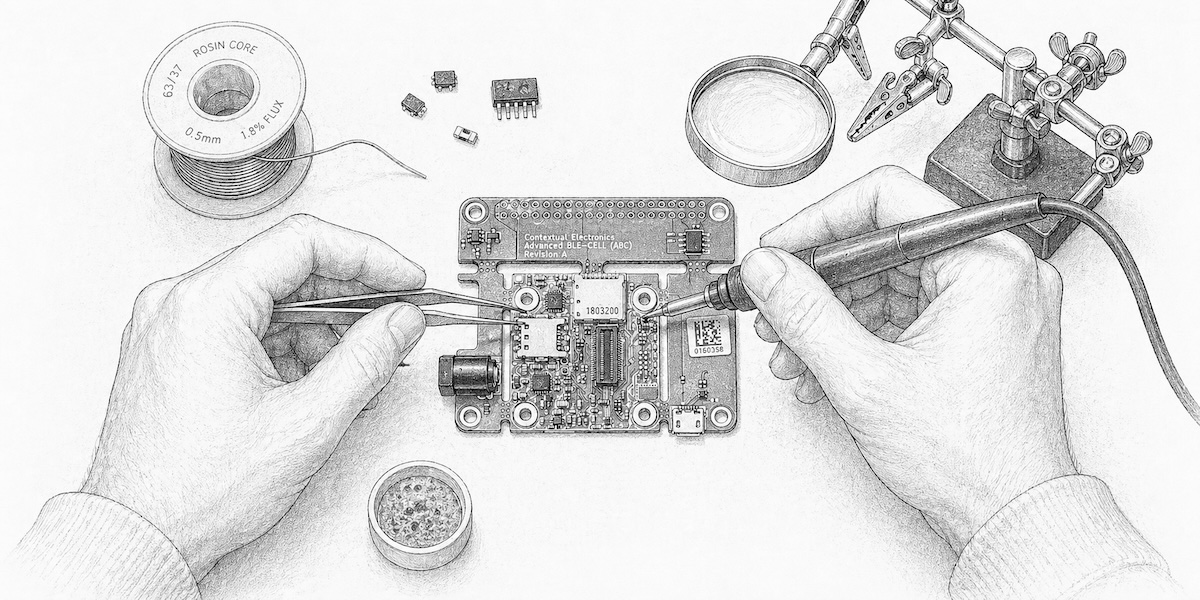
Simulations don’t burn your fingers. Component selection, soldering, part programming, and the physical gotchas.
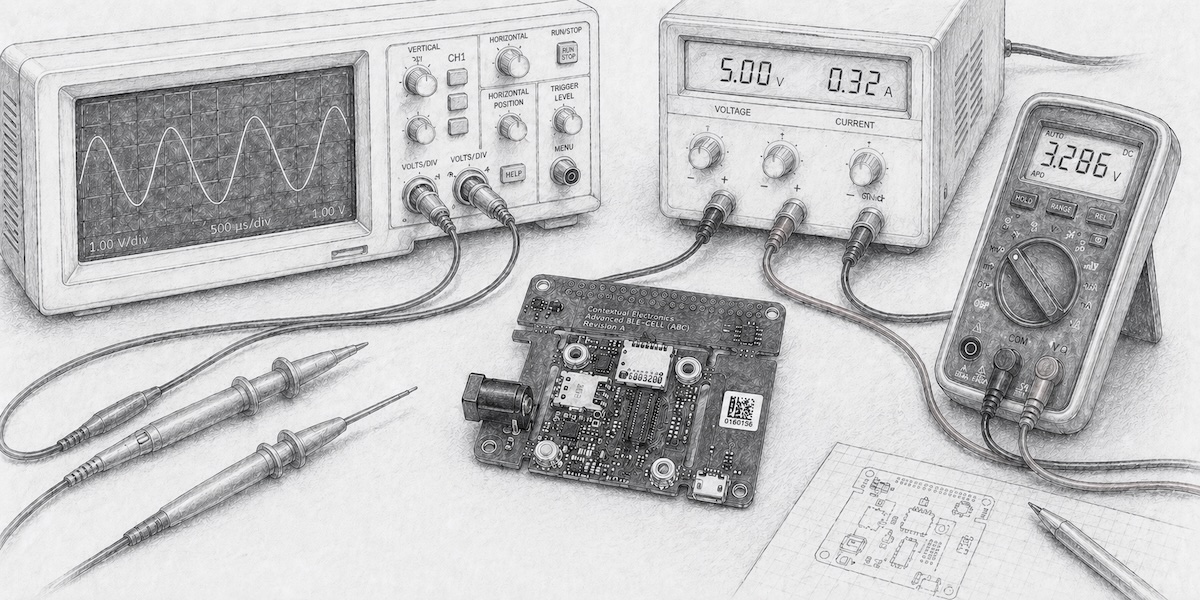
Power up, probe nodes, capture waveforms — confirm the design behaves the way the schematic said it would, before you trust it in a system.
If the LED stays dark, start measuring. Follow the signals, narrow down the fault, and figure out what to change.
Take your bench notes back to the design. Fix the symbol, adjust the footprint, reroute that trace, and try another revision.
Chris is authoring the fifth edition of Practical Electronics for Inventors, due 2028. The Book Community runs alongside the writing: early access to the video course Chris is building in parallel — same material as the book, different format — plus a voice in what goes into the next edition. You don’t need to own the book to join, and you don’t need to join to read the book.
Available standalone for $1/mo, or included with the Apprentice and Master tiers below.
Details to come. Start with a current plan, or check back for updates.
Want to compare available subscriptions? See pricing → Questions about courses, equipment, or billing? Read the FAQ →